
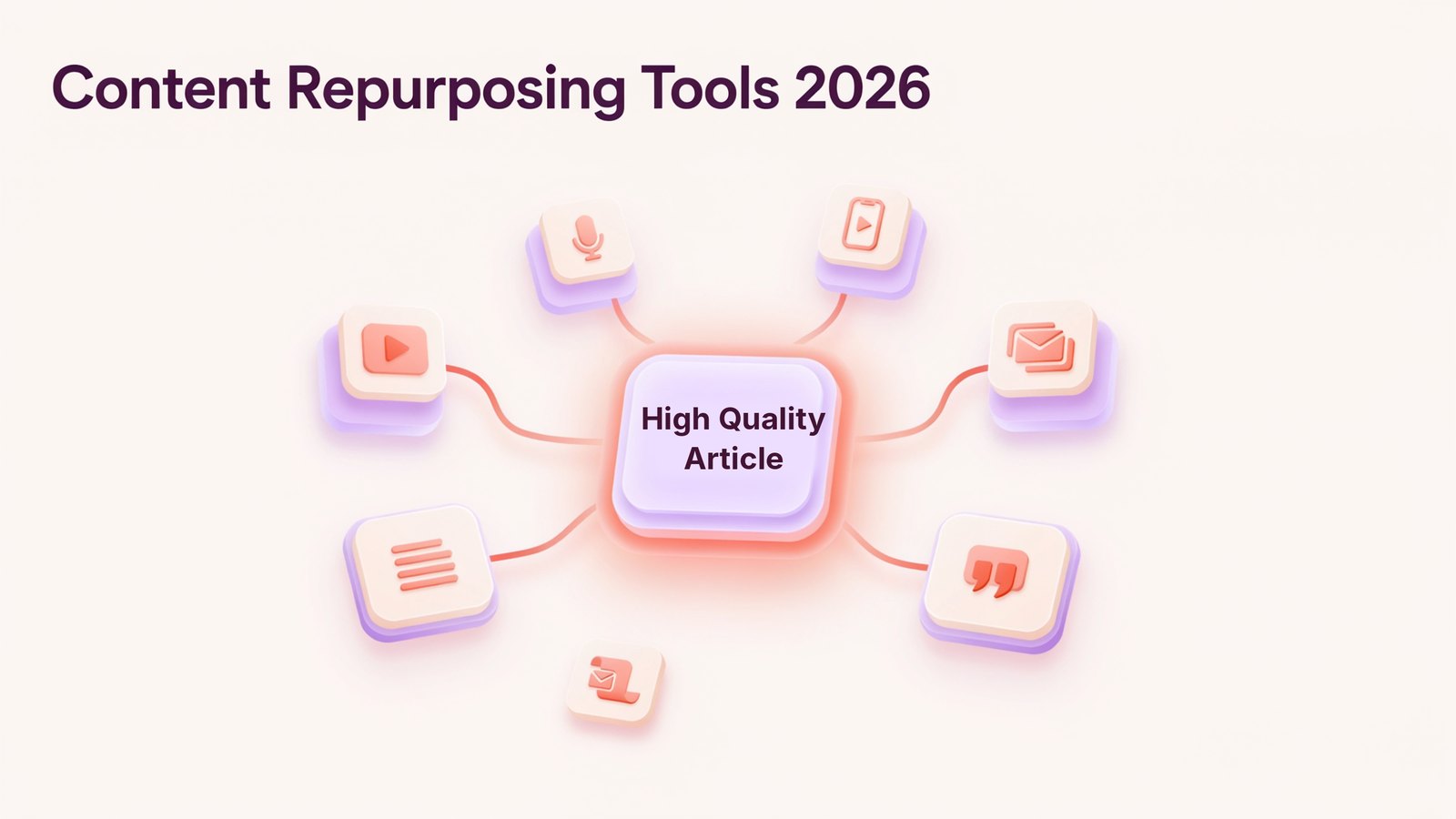
You made one great piece of content. A video, a podcast, a long LinkedIn post.
Then it got posted once and forgotten.
That's a waste. The ideas are still good. And the format that keeps working for years is a blog post, because blog posts get found on Google and quoted by AI search.
Here are the 9 best tools that turn your videos, podcasts and social posts into blog posts in 2026, with real prices and an honest look at what each does best.
What Is a Blog Repurposing Tool?
It's a tool that takes something you already made and turns it into a blog post.
You give it a YouTube link, a podcast episode, a social post or a web page. It pulls out the main ideas, organizes them under clear headings and writes a full article. The better tools also add images, write in a human tone and post the article to your blog for you.
That's different from a plain AI writer. A plain writer starts from a blank prompt and invents the content. A repurposing tool starts from your real ideas, your real examples and your real voice. So the article sounds like you, not like everybody else.
Why Turn Your Content Into Blog Posts?
Videos and social posts are great for reach. But most of them fade within a few days.
Blog posts keep working. A good article can bring in visitors from Google for years. Your best video can keep paying off as a written page long after it drops out of the feed.
AI search reads text. Tools like ChatGPT, Perplexity and Google's AI answers pull from written pages. If your ideas only live inside a video, they're much harder for AI search to find and quote.
You already did the hard part. The research, the stories and the opinions are in your content. Turning them into an article takes minutes instead of hours.
More pages means more ways to be found. Every article targets new search terms, and each one can link to your products, your videos and your other posts.
HubSpot's yearly marketing surveys keep finding the same thing. Repurposing is one of the most common ways marketers stretch their content budget. And a blog post is often the format that lasts the longest.
What to Look For
- Sources it accepts. YouTube, podcasts, social posts, web pages, documents. The more it reads, the more you can reuse.
- Writing quality. Does it read like a person wrote it, or like a robot stitched together a transcript?
- Images. A wall of text won't hold readers. Built-in images and infographics save another tool and another bill.
- Publishing. One-click posting to WordPress or your blog saves copying and pasting every time.
- Languages. Helpful if you write for more than one market.
- Price and limits. Some cheap plans cap you at a handful of articles a month. Check what you really get.
Quick Comparison
| Tool | Best For | Free Option | Starting Price |
|---|---|---|---|
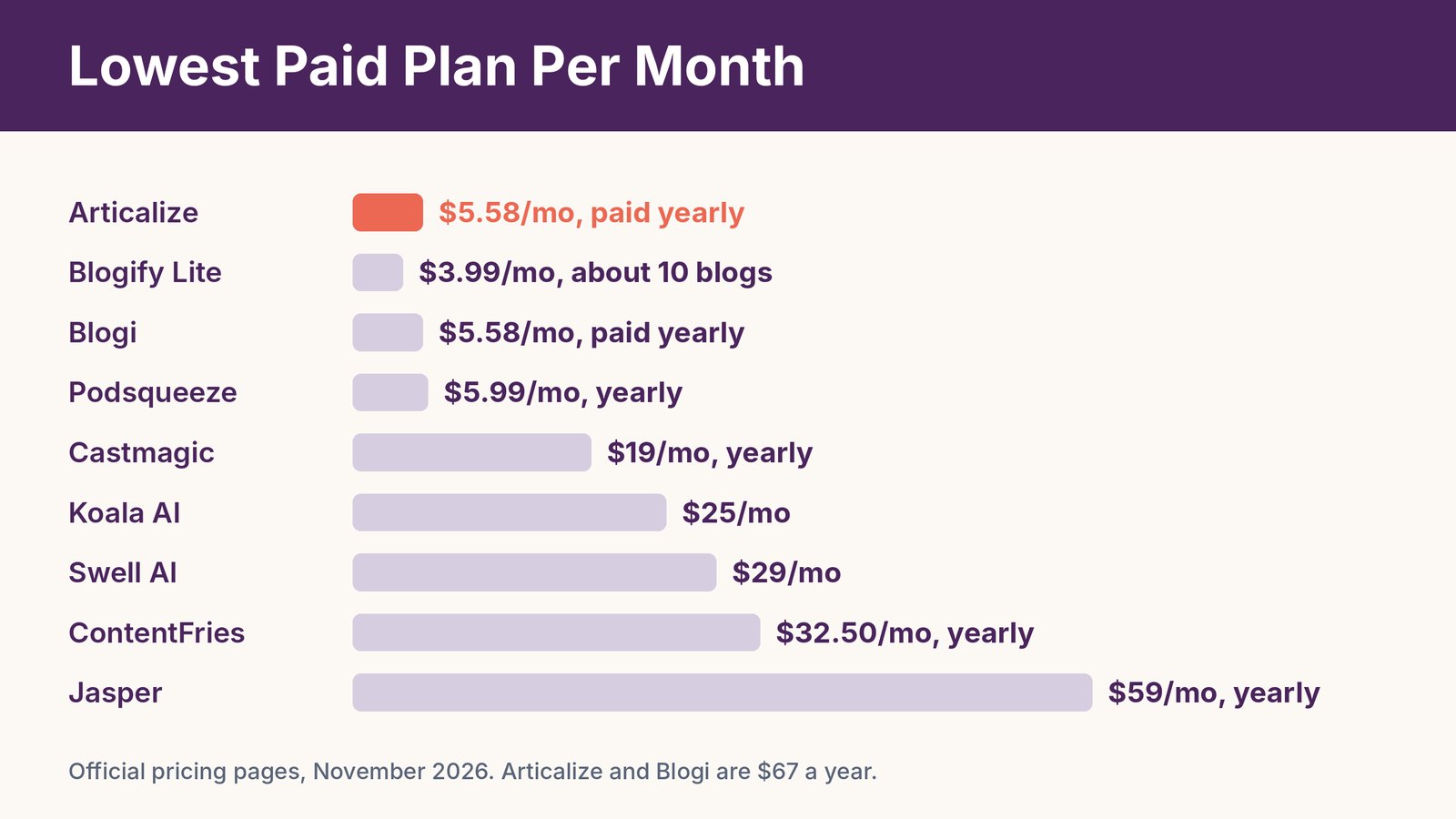
| Articalize | Turning videos and social posts into finished articles | 30 day refund | $5.58/mo paid yearly |
| Blogi | Auto-blogging fresh articles from sites you follow | 30 day refund | $5.58/mo paid yearly |
| Blogify | The widest range of sources | 3 day trial | $3.99/mo paid yearly |
| Castmagic | Podcasters and interview shows | Free trial | $19/mo paid yearly |
| Podsqueeze | Budget podcast show notes and blogs | Free plan | $5.99/mo paid yearly |
| Koala AI | SEO blog posts and rewrites | Free trial | $25/mo |
| Swell AI | YouTube and audio to articles | Free plan | $29/mo |
| ContentFries | Video clips plus a blog outline | First pack free | $32.50/mo paid yearly |
| Jasper | Marketing teams with brand rules | 7 day trial | $59/mo paid yearly |
1. Articalize

Full disclosure, Articalize is our own product, made by Teknikforce. We built it because we had hundreds of videos and posts that never became articles.
Articalize turns almost anything into a full, readable blog post. Paste a link and it writes the article.
- YouTube videos
- Reddit threads and Quora answers
- X threads, Threads posts and LinkedIn posts
- Any web page or product page
The text is humanized, so it reads like a person wrote it. Articalize also creates images and infographics for the post, which most tools on this list leave to you.
It writes in any language. And when you're happy, one click posts the article to WordPress or Tumblr.
That last part matters more than it sounds. Most tools hand you a draft and stop. You still have to copy it, format it, find images and upload everything. Articalize does the whole job.
Pros
- Turns videos, social posts and web pages into full articles
- Humanized writing that sounds natural
- Creates images and infographics for each post
- One-click posting to WordPress and Tumblr
- Works in any language
Cons
- Made for articles, so you'll need another tool for short video clips
- Fewer team approval features than Jasper
Pricing
$5.58 a month, paid yearly ($67 a year), or $17 month to month. There's a 30 day money-back guarantee.
2. Blogi

Blogi is our second Teknikforce tool on this list, and it works a little differently.
Instead of repurposing one piece at a time, Blogi follows the sites and publishers you choose. When they publish something new, Blogi writes a fresh, original article on the topic and posts it to your blog automatically.
It uses 7 different AI models, creates graphics for each post and writes in many languages. So your blog keeps growing even in weeks when you don't have time to write.
Think of Articalize as the tool for your own content, and Blogi as the tool that keeps your blog fresh on autopilot.
Pros
- Hands-off auto-blogging
- Writes original articles, not copies
- Auto-posts with graphics
- Many languages and 7 AI models
Cons
- Built for steady blogging, not one-off repurposing of your own videos
- You should review posts now and then to keep quality high
Pricing
$5.58 a month, paid yearly ($67 a year), or $6.99 month to month.
3. Blogify

Blogify is built for one job. Turning other content into SEO blog posts.
It accepts more than 40 sources, including YouTube, podcasts, audio and video files, documents and ecommerce product pages. It writes in over 150 languages and can post to WordPress and other platforms.
The entry price is low. But the cheapest plan only covers about 10 blog posts a month, so heavy users will need a bigger plan.
Pros
- Huge list of sources
- 150+ languages
- Low starting price
Cons
- Credit limits on cheaper plans
- Articles often need editing to sound less generic
Pricing
Lite from $3.99 a month paid yearly, for about 10 blogs a month. Basic is $15.99 a month. There's a 3 day trial.
4. Castmagic
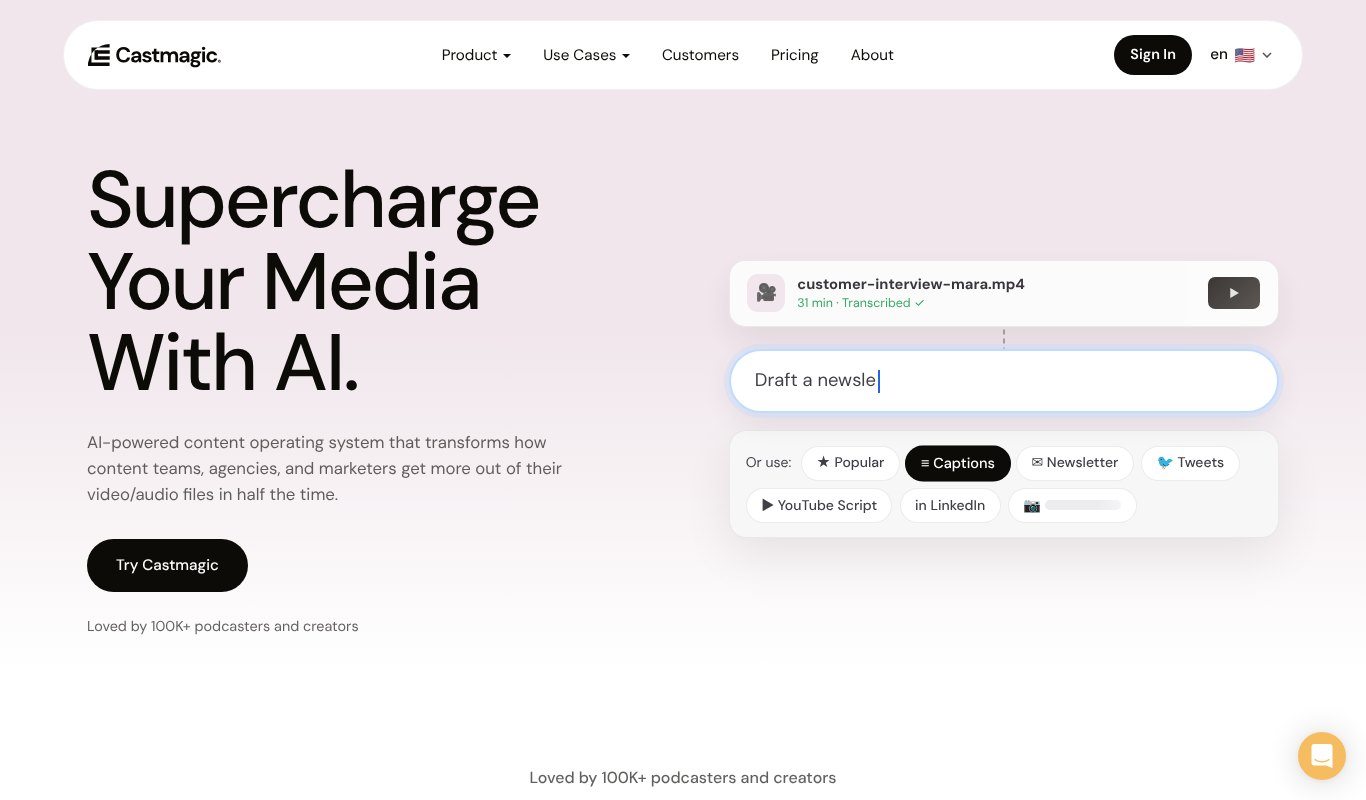
Castmagic is a favorite with podcasters.
Upload an episode or a recording and it writes show notes, timestamps, quotes, social posts and a blog draft. You can also ask it questions about your recording, which helps when you want a post on one specific part.
The blog drafts are a solid start, though you'll want to shape them before posting.
Pros
- Great for audio and interviews
- Many outputs from one upload
- Custom prompts for your own formats
Cons
- Priced by hours of audio
- No images or one-click blog posting
Pricing
Hobby is $19 a month paid yearly ($239 a year).
5. Podsqueeze
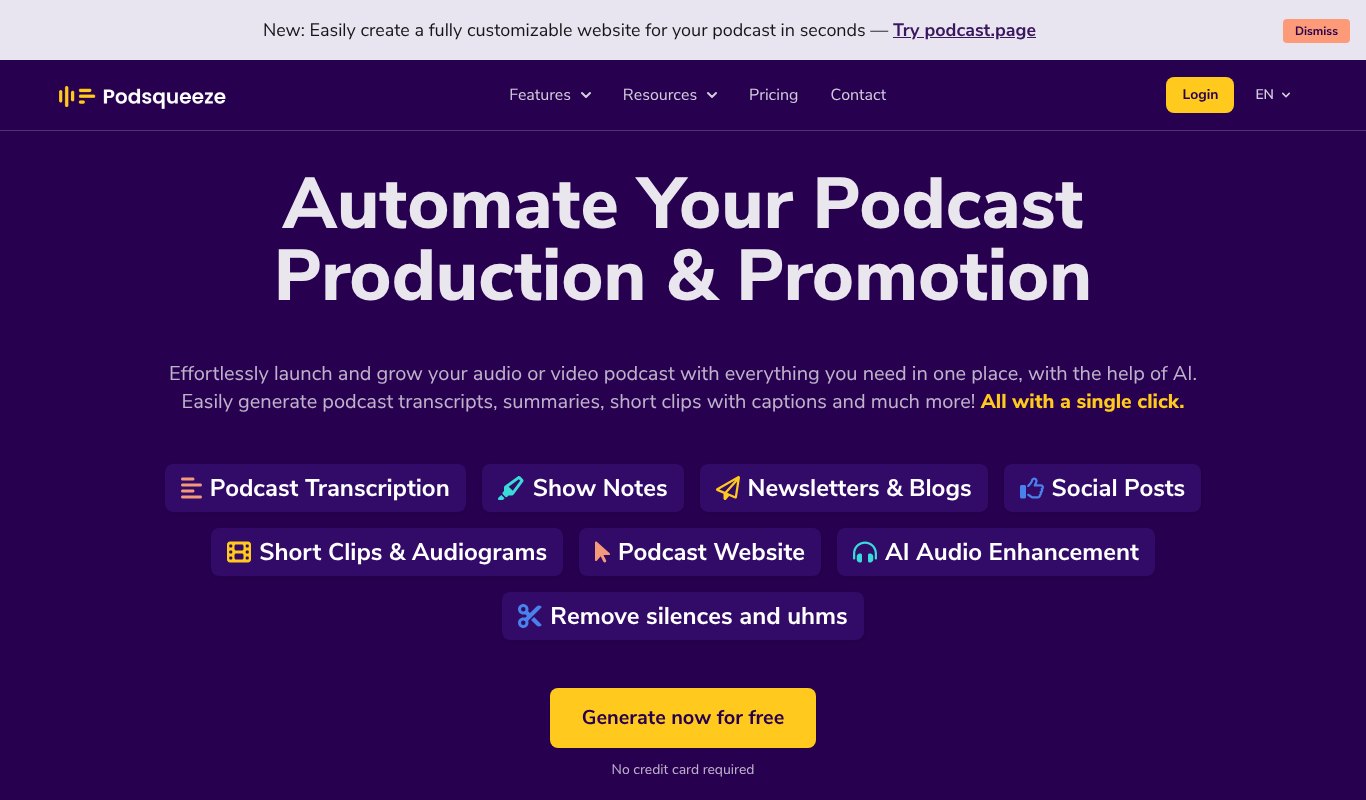
Podsqueeze is the budget pick for podcasters.
It turns episodes into show notes, newsletters, social posts and blog articles. There's also a voice to blog option, so you can talk through an idea and get a written draft.
It's simple and cheap. The trade-off is that it's mostly about audio, so it won't help much with your social posts or web pages.
Pros
- Free plan to try it
- Low paid price
- Voice to blog is handy for busy people
Cons
- Focused on podcasts
- Limited editing and publishing tools
Pricing
Free plan available. Starter is $5.99 a month paid yearly ($71.88 a year).
6. Koala AI

Koala is an SEO blog writer first, and a repurposing tool second.
Give it a keyword and it writes a long, structured post with real search data behind it. You can also feed it an existing article or a URL and have it rewritten into something new.
It's strong if search traffic is your main goal. It's less useful if you want to turn your own videos and social posts into articles.
Pros
- Very good SEO structure
- Rewrites and refreshes old posts
- WordPress publishing
Cons
- Word limits on each plan
- Not built for video or social sources
Pricing
Starter is $25 a month for 45,000 words, with 20% off when paid yearly.
7. Swell AI
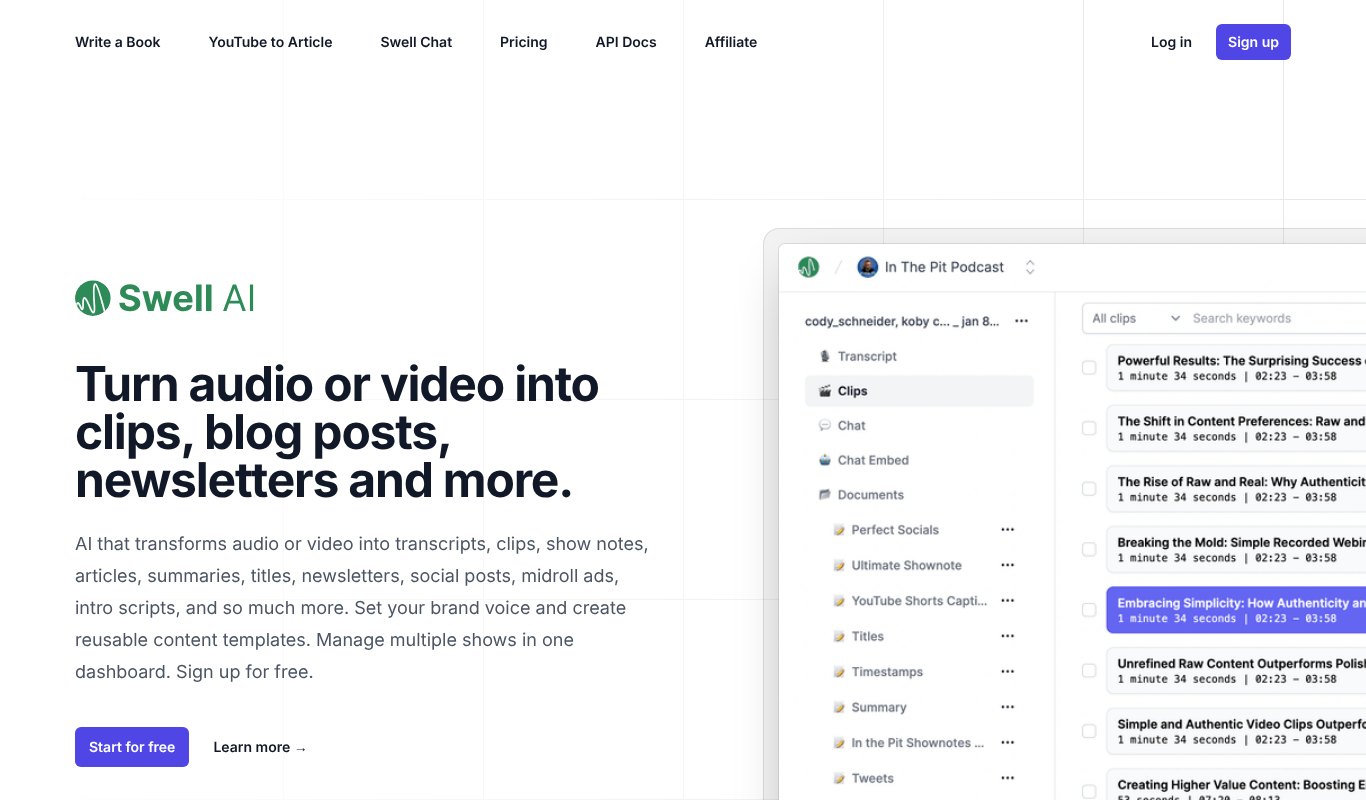
Swell AI turns audio and video into written content.
Its YouTube to Article feature does what it says. Paste a video and get a full article, along with summaries, social posts and newsletters.
Pricing is based on minutes of media, which is fine for a weekly show but adds up if you post a lot of long videos.
Pros
- Clean YouTube to article feature
- Free plan to test
- Good templates for show content
Cons
- Priced by minutes
- No image creation
Pricing
Free plan available. Paid plans start at $29 a month for 300 minutes.
8. ContentFries
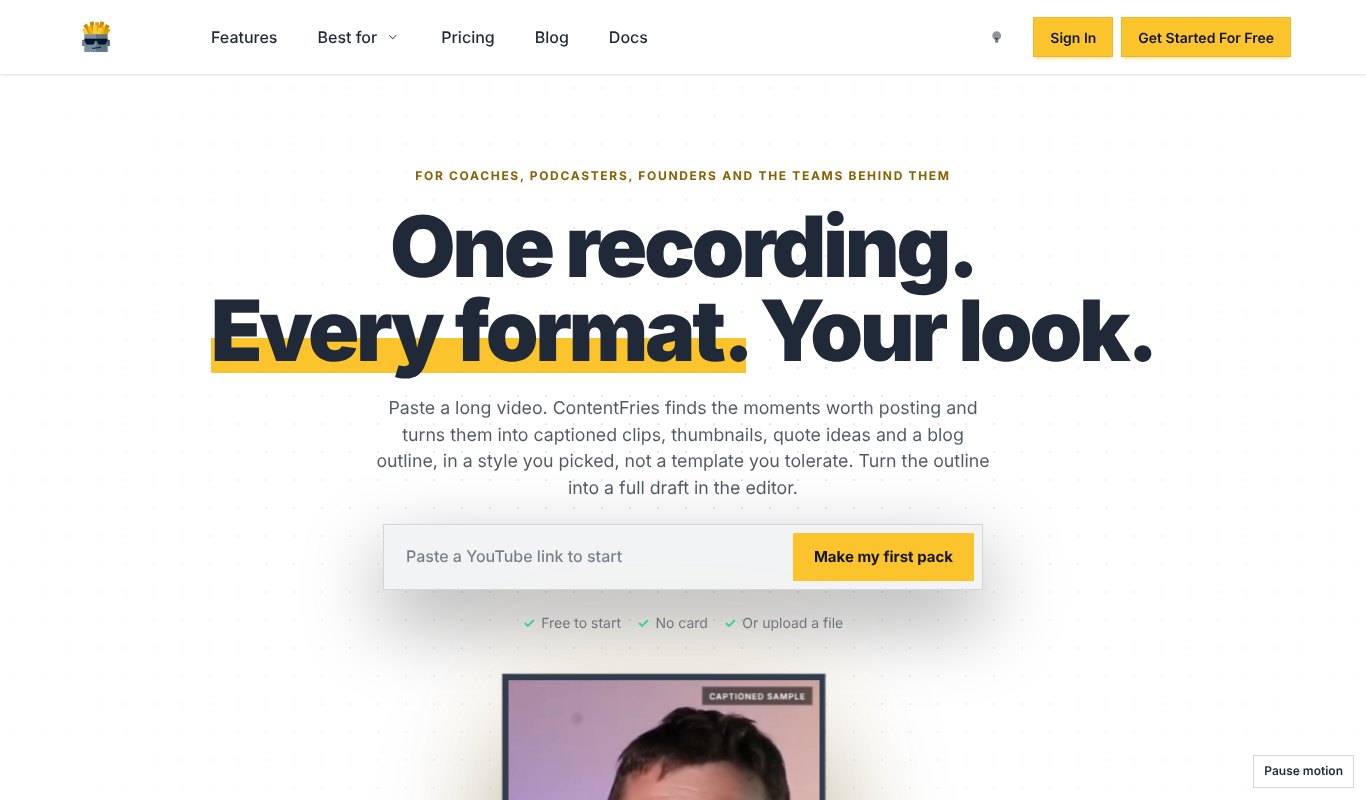
ContentFries is mainly a video clipping tool. But it also helps with the written side.
From one long video it makes short clips, captions and a blog outline. You expand the outline into a full draft inside the tool.
Good if you want clips and articles from the same place. Less good if the article is the main thing you need.
Pros
- Clips and written content together
- First content pack is free
Cons
- The blog is an outline you have to build up
- Higher price for the writing you get
Pricing
Creator is $39 a month, or $390 a year (about $32.50 a month).
9. Jasper
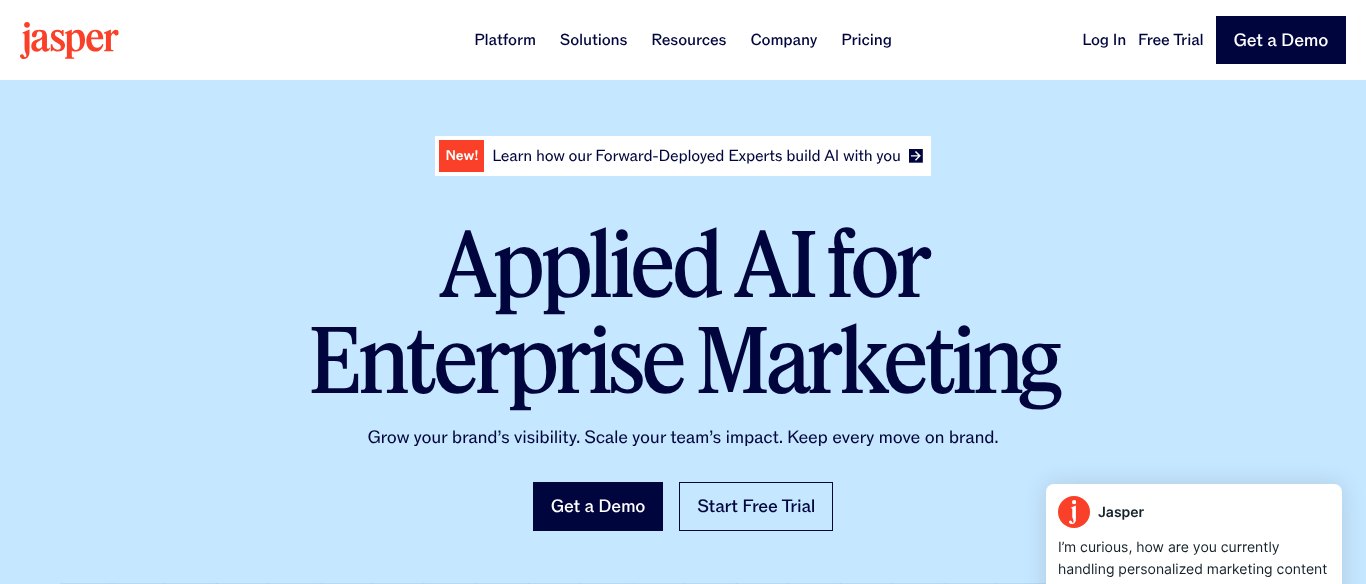
Jasper is a full AI platform for marketing teams.
It can repurpose content across channels and turn a source into a blog post, emails and ads. Its real strength is brand voice. You can teach it your style, rules and products so every piece stays on brand.
For a solo creator, that's more than you need. For a team with many writers, it can be worth it.
Pros
- Strong brand voice controls
- Team workflows and approvals
- Many content types
Cons
- The most expensive tool here
- Repurposing is one feature among many
Pricing
Pro is $59 a month paid yearly, or $69 month to month.
Why Articalize Is the Best Value
Most tools on this list do one part of the job.
Castmagic, Podsqueeze and Swell are great with audio. Koala is great with keywords. ContentFries is mostly about clips. Jasper is built for big teams.
Articalize covers the whole trip from source to published post. It reads videos, social posts and web pages. It writes in a human tone. It makes the images. And it posts the article to your blog in one click.
Blogify is the only tool with a lower starting price, but that plan stops at about 10 posts a month. Most of the others cost $19 to $59 a month. Articalize is $67 for the whole year.
And if you also want a blog that updates itself, pair it with Blogi for the same yearly price.
A Simple Workflow to Turn One Video Into a Blog Post

- Pick your best piece. Start with a video or post that got good comments or views. People already showed you they care about it.
- Paste the link into Articalize. Choose the language and the tone you want.
- Check the headline. Make sure it includes the words people would actually search for.
- Read it once and add a personal touch. A short story, a number from your business or a strong opinion makes the article yours.
- Review the images. Swap any that don't fit, and keep the infographics that explain the key points.
- Post it with one click. Send it to WordPress, then add a link back to the original video.
- Share the article. Post the link on your social channels and in your newsletter.
Do this once a week and in a year you'll have 52 new articles, all built from content you already made.
Common Mistakes to Avoid
Posting the raw transcript. Spoken words don't read well. A real article needs headings, short paragraphs and a clear point.
Skipping the edit. Even great AI writing gets better with five minutes of your own touch.
Forgetting images. Long blocks of text push readers away. Add at least one image for every few sections.
No links. Link the article to your video, your products and your other posts. Links help readers and search engines.
Repurposing your weakest content. Start with what already worked. A flop video usually makes a flop article.
FAQs
Is AI-written content bad for SEO?
Google has said it cares about whether content is helpful, not how it was made. An article built from your own ideas and examples, and checked by you, is the kind of content that tends to do well.
Can I turn someone else's video into a blog post?
Use other people's content as a source of ideas, not as something to copy. Write your own take, add your own examples and credit the creator when you quote them.
Which tool is best for podcasts?
Castmagic and Podsqueeze are built around audio. If your podcast is also on YouTube, Articalize can turn the video version into a full article with images.
How long should a repurposed blog post be?
Long enough to fully answer the question. For most topics that's 1,200 to 2,500 words. A one hour video often has enough material for two or three articles.
What is the cheapest tool on this list?
Blogify Lite has the lowest starting price at $3.99 a month, but it's capped at about 10 posts. Articalize and Blogi are $5.58 a month paid yearly with no tiny monthly cap to plan around.
Final Thoughts
Your best ideas are already out there, in videos, podcasts and posts that most people saw once.
Turn them into blog posts and they keep working for years, on Google and in AI search.
If you want one tool that reads your content, writes a high quality article, adds the images and posts it for you, start with Articalize. And if you want your blog to keep growing on autopilot, add Blogi.