
You made a great video. It took hours to plan, film and edit. Then it gets watched for a week and fades away.
A YouTube to article converter gives that video a second life. It turns the talk into a clean, readable blog post that can rank in Google, get cited by AI search and bring in readers for years.
It also works the other way round. If you find a useful video in your niche, you can turn its ideas into a fresh article for your own site, with your own angle.
We compared the options and picked the 5 best YouTube to article converters in 2027 that actually produce posts worth publishing. Here's what each one does, what it costs and who it suits.
What a YouTube to Article Converter Does
Under the hood, most converters follow the same simple steps.
- Grab the transcript. The tool pulls the spoken words from the YouTube video.
- Find the structure. AI picks out the main points, steps and examples.
- Rewrite as an article. The talk becomes headings, paragraphs and lists that read well.
- Polish for search. Better tools add a title, meta description, keywords and images.
The difference between a weak tool and a strong one is the third step. A weak tool gives you a tidied-up transcript. A strong one gives you an article that feels like it was written for readers, not copied from a video.
Quick Price Comparison
| Tool | Starting Price | Best For |
|---|---|---|
| Articalize | $5.58 a month paid yearly | Fresh, humanized articles from YouTube and social posts |
| VideoToBlog | Free plan, paid from $14 a month yearly | Turning your own videos into posts |
| RightBlogger | Free tools, paid from $49 a month yearly | Bloggers who want a full AI writing suite |
| BibiGPT | Free allowance, Plus $142.56 a year | Summaries and drafts from many video sites |
| ChatGPT | Free, Plus $20 a month | Do-it-yourself conversions from a transcript |
1. Articalize

Articalize turns almost anything into a quality article with one click. Paste a YouTube video and it creates a full blog post from it. It also works with Facebook posts, X threads, Threads posts, Quora questions, Reddit posts, LinkedIn posts, web pages and product pages.
The idea behind it is smart. AI on its own can only write from its training, so its articles often feel stale and generic. Articalize feeds the AI fresh human content instead, such as a new video with new facts and real opinions. The result is an article with depth and a human angle, which is what Google rewards.
Articles are humanized so they read naturally. Articalize also creates illustrations and infographics to go with your post, so you don't need a separate image tool. It's multilingual too. You can turn a video in one language into an article in another and reach a global audience.
For bloggers and marketers who want a steady stream of fresh, trending content, it is a simple and very affordable option.
Best for. Bloggers, marketers and site owners who want fresh, human-sounding articles from YouTube and social content.
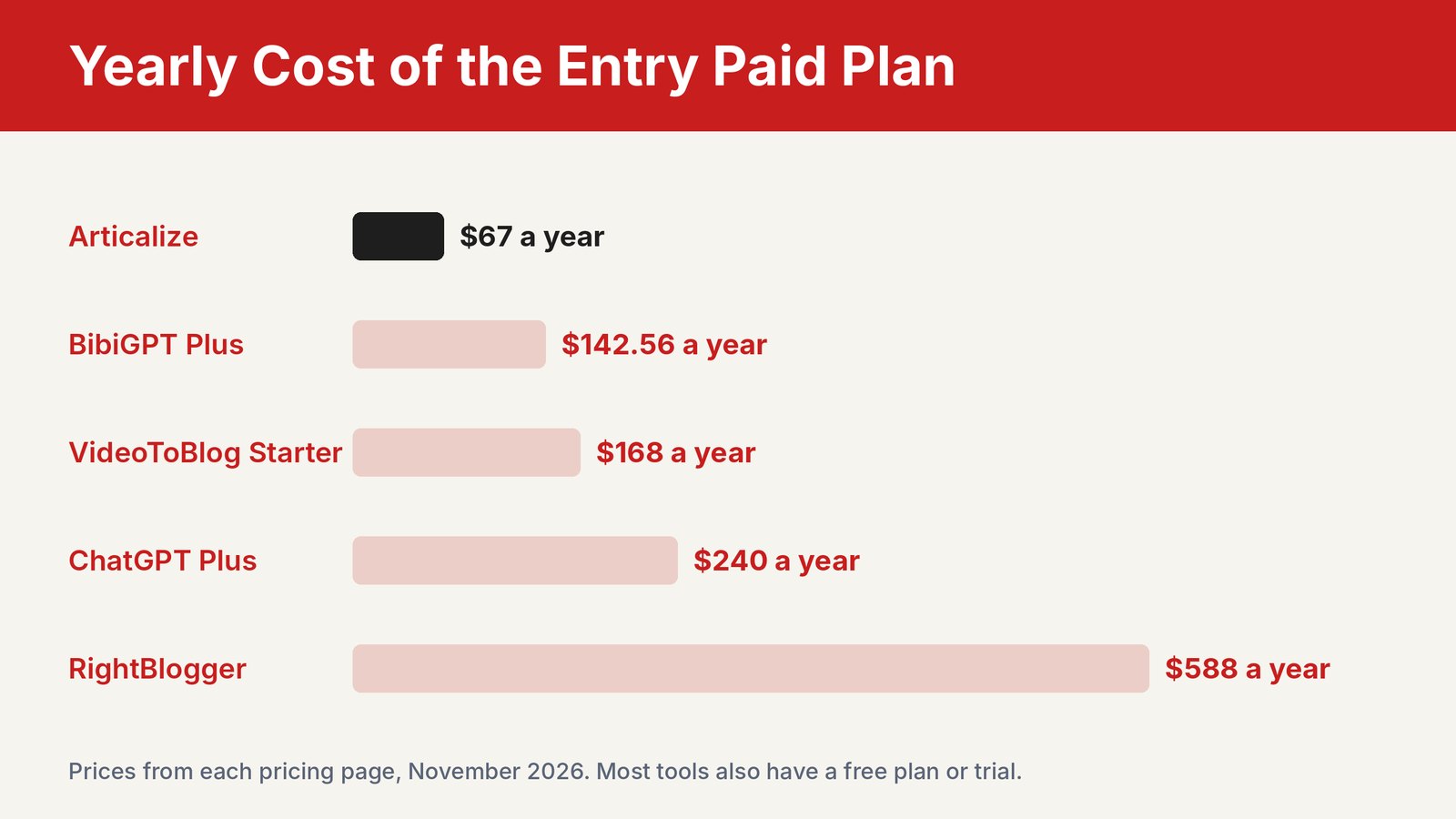
Price. Articalize costs $5.58 a month, paid yearly ($67 a year), or $17 month to month, with a 30 day refund.
Pros
- Works with YouTube plus many social platforms and web pages
- Humanized articles that read naturally
- Creates illustrations and infographics automatically
- Multilingual input and output
- Lowest price on this list
Cons
- Focused on articles, not full SEO site audits
- Best results still come from a quick human edit
2. VideoToBlog
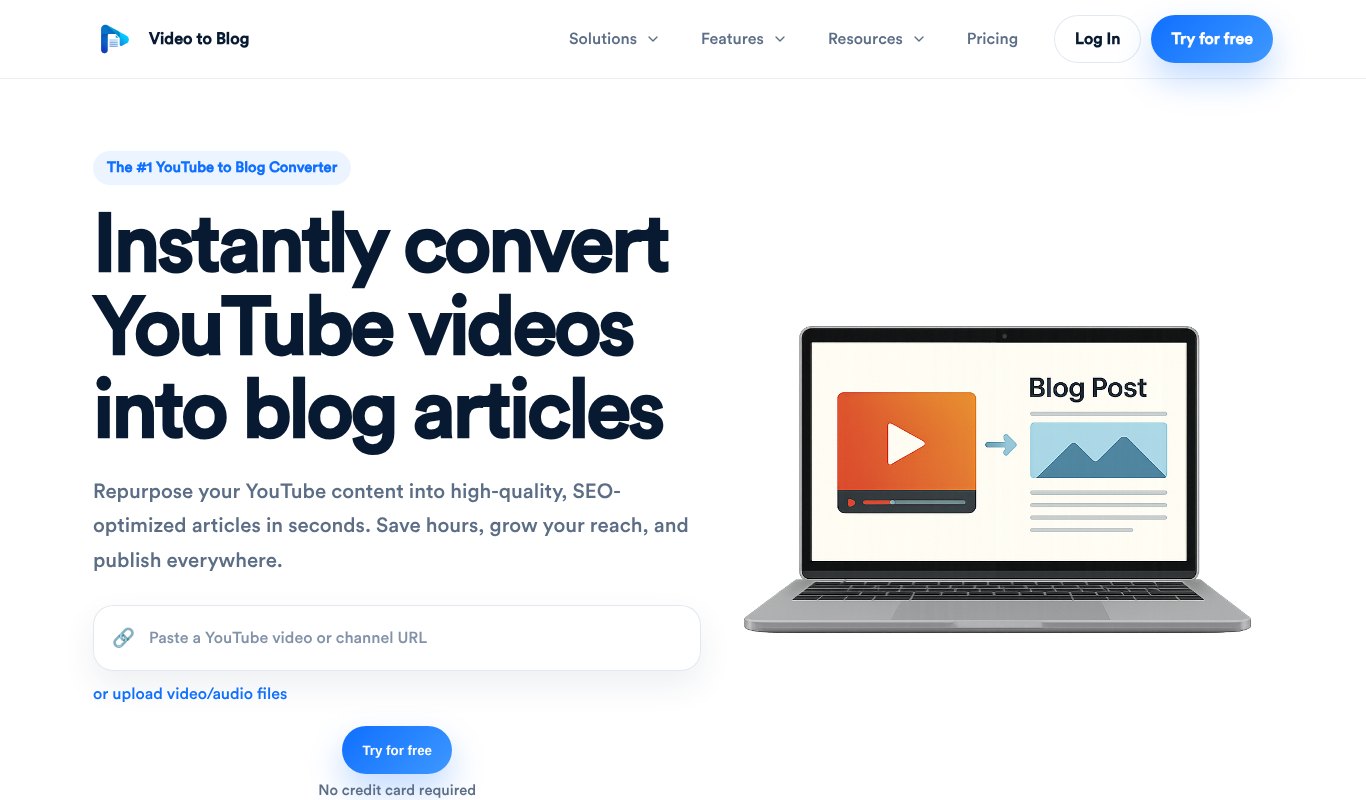
VideoToBlog is a dedicated tool for turning videos into blog articles. You paste a YouTube video or channel link, or upload a video or audio file, and it writes an SEO-friendly article for you.
It's popular with creators who want to repurpose their own content. It can add screenshots from the video and tries to match the voice and tone of the speaker, so the post still sounds like you.
Paid plans add more videos each month, longer video lengths, team members and website integrations for publishing.
Best for. Creators who want to turn their own YouTube videos into blog posts.
Price. Free plan with 1 video a month. Starter is $14 a month billed yearly for 5 videos. Pro is $39 a month.
Pros
- Built only for video to blog
- Works with YouTube links and file uploads
- Free plan to test it
Cons
- Monthly video limits on each plan
- Costs climb if you publish often
3. RightBlogger

RightBlogger is an AI writing suite for bloggers, and its Video to Blog Converter is one of its most used tools. You paste a YouTube URL or a transcript and get a structured, SEO-friendly post back.
You can choose whether to edit the outline first, embed the original video in the post and add images. That makes the final article more useful and keeps the video getting views too.
Beyond YouTube conversions, RightBlogger includes keyword research, article writing, rewriting and publishing tools. It's a good pick if you want one suite for your whole blog.
Best for. Bloggers who want a full AI writing toolkit, not just a converter.
Price. Free account with 2,000 AI words a month. Paid plans start at $49 a month billed annually ($588 a year) or $59 month to month.
Pros
- Option to embed the video and add images
- Many other blogging tools included
- Free plan with monthly words
Cons
- Most expensive tool on this list
- More than you need if you only want conversions
4. BibiGPT
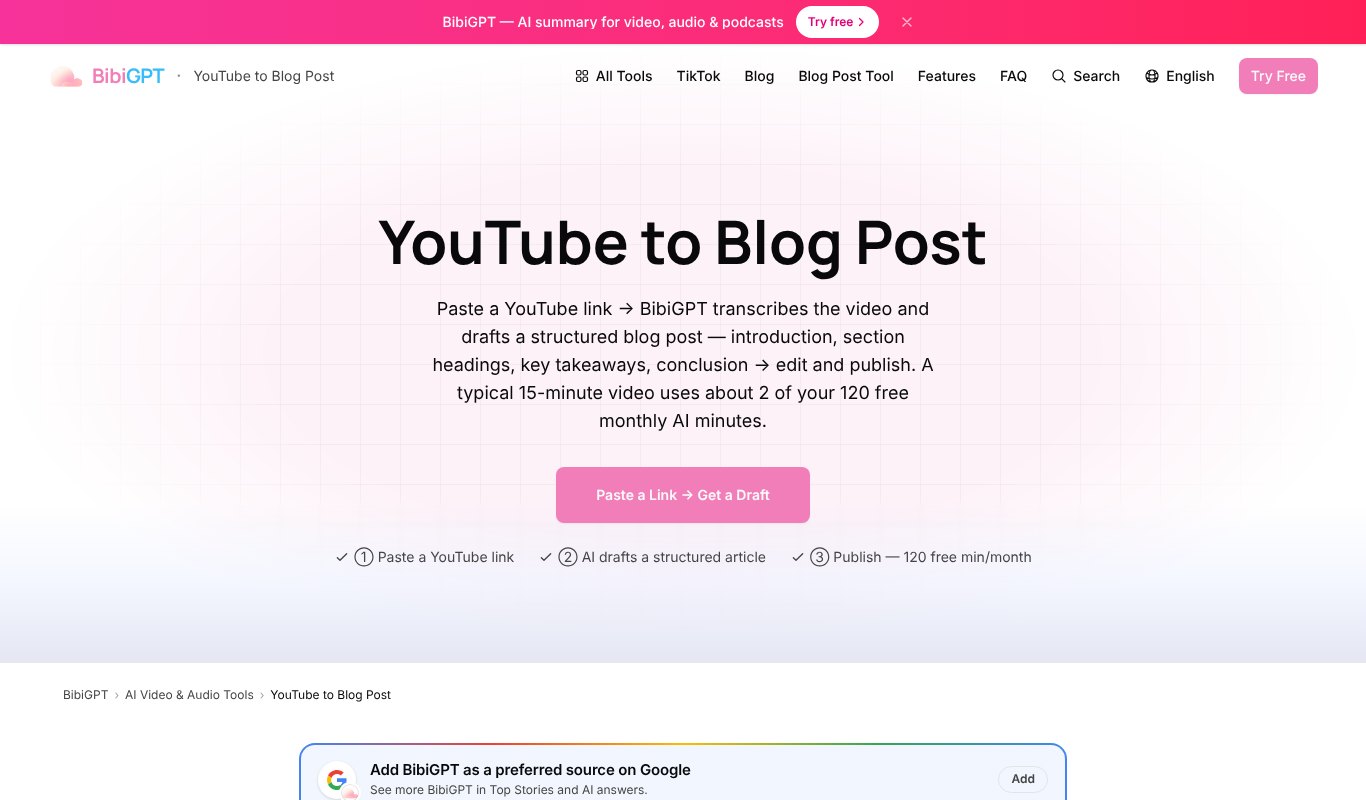
BibiGPT is an AI tool for summarizing videos, audio and podcasts. Its YouTube to Blog Post feature transcribes a video and drafts a structured post with an introduction, section headings, key takeaways and a conclusion.
It also works with many other video sites, which is handy if your content lives on more than one platform. You get a draft quickly, then edit and publish it yourself.
BibiGPT is great for fast drafts and summaries. You'll want to add your own voice and examples before publishing.
Best for. People who want quick drafts and summaries from many video sources.
Price. Free allowance after sign in. Plus is $19.80 a month or $142.56 a year. A lifetime plan is $888.
Pros
- Fast, structured drafts
- Works across many video and audio sites
- Lifetime plan option
Cons
- Drafts need editing to sound personal
- More of a summarizer than a full article writer
5. ChatGPT
You can also turn a YouTube video into an article with ChatGPT. Open the video on YouTube, copy the transcript from the description area, and paste it into ChatGPT with clear instructions about length, tone, headings and audience.
It's flexible and cheap, and you control every step. The downside is the manual work. You copy, paste, prompt and format each time, and long transcripts may need to be split into parts.
ChatGPT also tends to fall back on its own general knowledge, so ask it to stick to the points in the transcript and add your own experience afterwards.
Best for. People who want full control and don't mind a few manual steps.
Price. Free plan available. ChatGPT Plus is $20 a month.
Pros
- Very flexible, you can shape any style
- Free to start
Cons
- Manual copy and paste every time
- No images, SEO fields or publishing built in
Watch How It Works
Here's a short walkthrough from marketer Ryan Doser showing how AI can turn a YouTube video into a blog post, fast.
How to Pick the Right Converter
Each tool on this list does the job, but they suit different people. Ask yourself a few questions.
- Whose videos are you converting? If it's your own channel, a tool that keeps your voice matters most. If it's other people's videos, you need a tool that rewrites ideas into fresh content.
- How many articles a month? Tools with monthly video limits get expensive fast if you publish daily.
- Do you need images? Some tools add illustrations or screenshots. Others give you text only.
- What languages do you need? If you want to reach a global audience, look for multilingual support.
- What is your budget? Prices on this list range from $67 to $588 a year for the entry plan.
How to Turn a YouTube Video Into a Great Article
Even the best converter gives you a first draft. These steps turn that draft into an article people want to read.
- Choose a video with real substance. Tutorials, interviews and how-tos convert far better than vlogs or reaction videos.
- Pick one keyword. Decide what search term the article should rank for before you convert.
- Run the converter. Generate the draft with your chosen tool.
- Fix the headline and intro. Make the title clear and the first two lines grab attention.
- Add your own experience. A personal tip, example or result makes the article unique.
- Add images and the video. Screenshots, charts and the embedded video keep readers on the page.
- Link to related posts. Point readers to your other helpful articles.
- Proofread and publish. Read it out loud once. If it sounds like a robot, fix those lines.
Is It OK to Turn Other People's Videos Into Articles?
Turning your own videos into articles is completely fine. You own the content.
With other people's videos, be careful. Ideas and facts are free to use, but copying someone's exact words or structure is not. Use the video as research, add your own view and examples, and credit the creator by name where it's fair to do so.
Good converters help here by rewriting ideas into fresh wording rather than copying the transcript line by line.
Why Video to Article Works So Well for SEO
Google can't watch most of your video. It reads text. Turning a video into an article gives search engines thousands of words to understand and rank.
Articles also help you show up in AI search. Tools like ChatGPT and Google's AI Overviews pull answers from written pages, not from video. Our guide on how to get your content cited by ChatGPT and Google AI Overviews explains how to make your articles easy for AI to quote.
And you get more out of every video. One recording becomes a video, an article, a set of social posts and an email. If you'd like more ideas, see our list of content repurposing tools.
Mistakes to Avoid
- Publishing the raw transcript. Spoken language is full of filler. Readers bounce off it fast.
- Skipping the edit. A five minute edit is the difference between a generic post and a useful one.
- Using thin videos. A short video with one idea won't make a strong 1,500 word article.
- Forgetting the keyword. Without a clear search term, even good articles struggle to rank.
- Leaving out visuals. Walls of text don't hold attention. Add images and the original video.
FAQ
What is the best YouTube to article converter?
For most bloggers and marketers, Articalize gives the best mix of quality and price. It writes humanized articles, adds images and costs $67 a year. VideoToBlog is a good choice if you only convert your own videos.
Is there a free YouTube to article converter?
VideoToBlog, RightBlogger and BibiGPT all have free plans or allowances. You can also use the free version of ChatGPT with a copied transcript.
Will Google penalize articles made from videos?
Google doesn't penalize content for how it was made. It ranks content that is helpful and original. Edit your draft, add your own insight, and you're fine.
How long should the article be?
Match the depth of the video. A 10 minute tutorial usually makes a strong article of 1,200 to 2,000 words.
Can I convert videos in other languages?
Yes. Articalize is multilingual, so you can turn a video in one language into an article in another.
Final Thoughts
A YouTube to article converter is one of the easiest ways to get more from your videos and publish more content without writing from scratch.
If you want fresh, human-sounding articles from YouTube videos and social posts, complete with images, try Articalize. Paste a link, click once, and get an article that's ready to edit and publish.